Berachain Mainnet RPC
Use these values in any wallet that supports custom RPCs. Add the network in one click, or copy from the table:| Key | Value |
|---|---|
| Network | Berachain |
| RPC URL | https://rpc.berachain.com/ |
| Chain ID | 80094 |
| Currency symbol | BERA |
| Block explorer URL | https://berascan.com/ |
Berachain Bepolia Testnet RPC
Use these values for the testnet. Add in one click, or copy from the table:| Key | Value |
|---|---|
| Network | Berachain Bepolia |
| RPC URL | https://bepolia.rpc.berachain.com/ |
| Chain ID | 80069 |
| Currency symbol | BERA |
| Block explorer URL | https://testnet.berascan.com/ |
Bepolia testnet dApps
Supported Wallets
Any EVM-based wallet that supports custom RPCs works with Berachain. Examples:Set Up MetaMask With Berachain
Chrome is recommended.
Install MetaMask
On metamask.io, download the browser extension. Confirm it is from 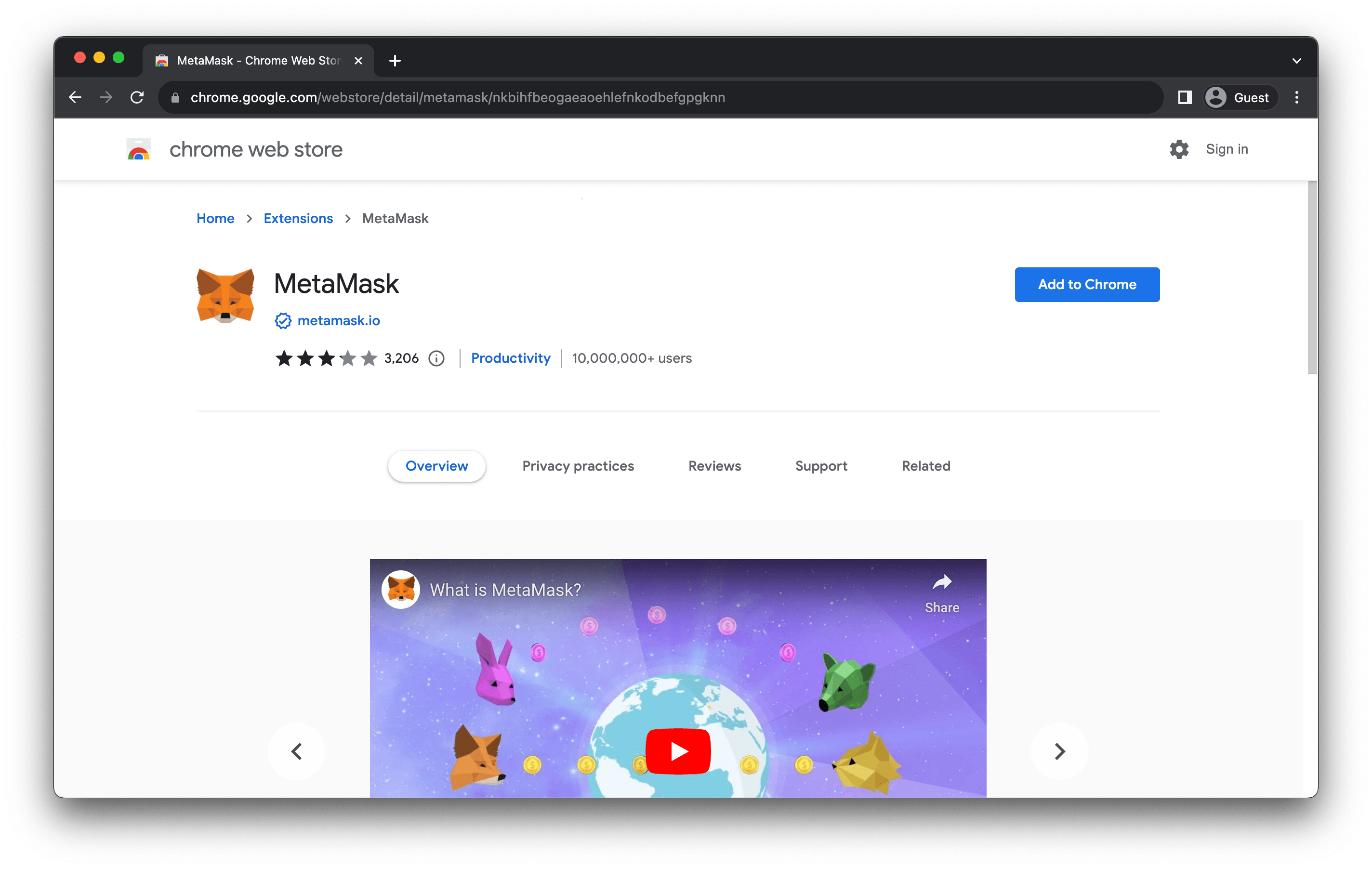
metamask.io.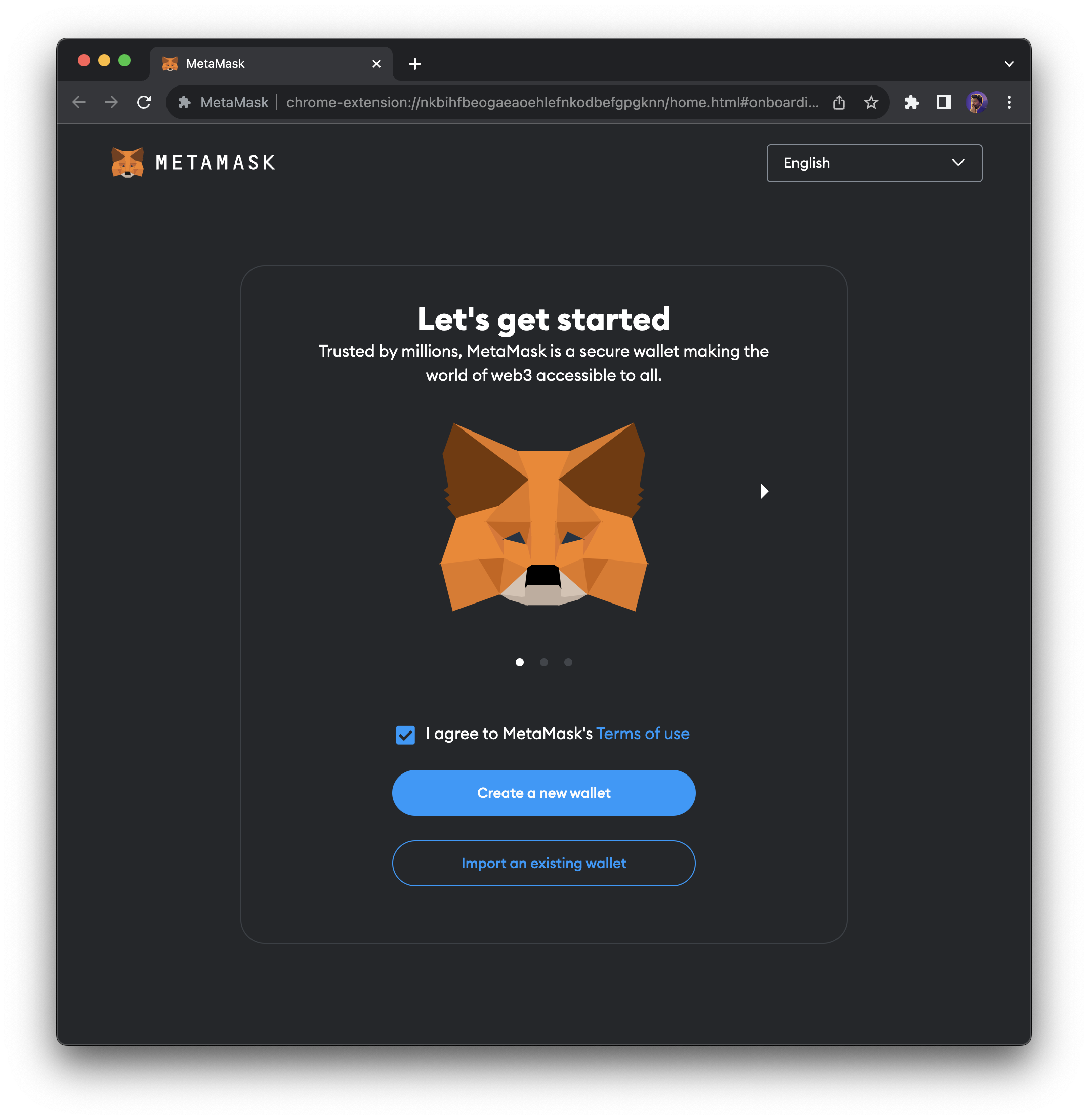
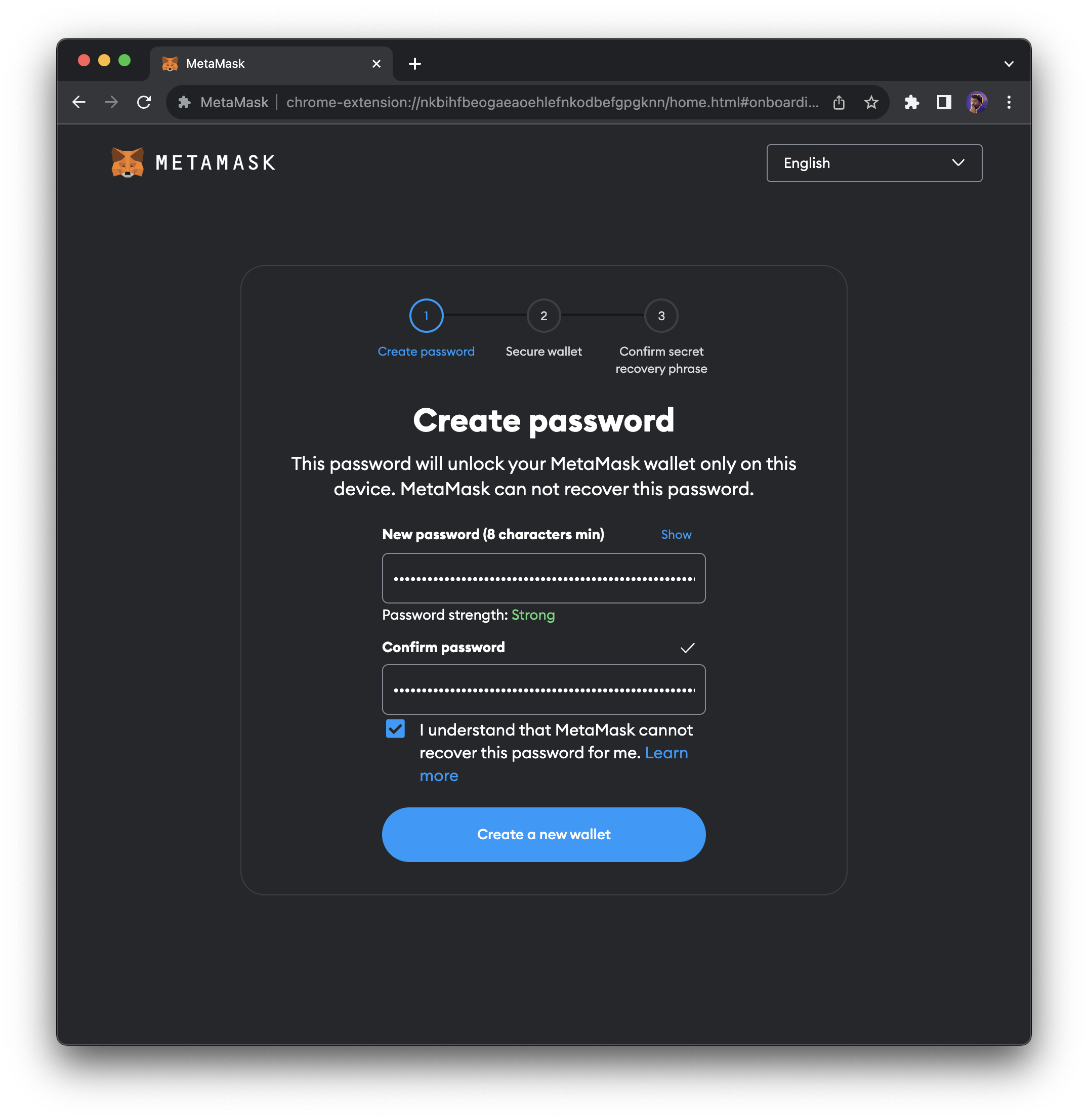
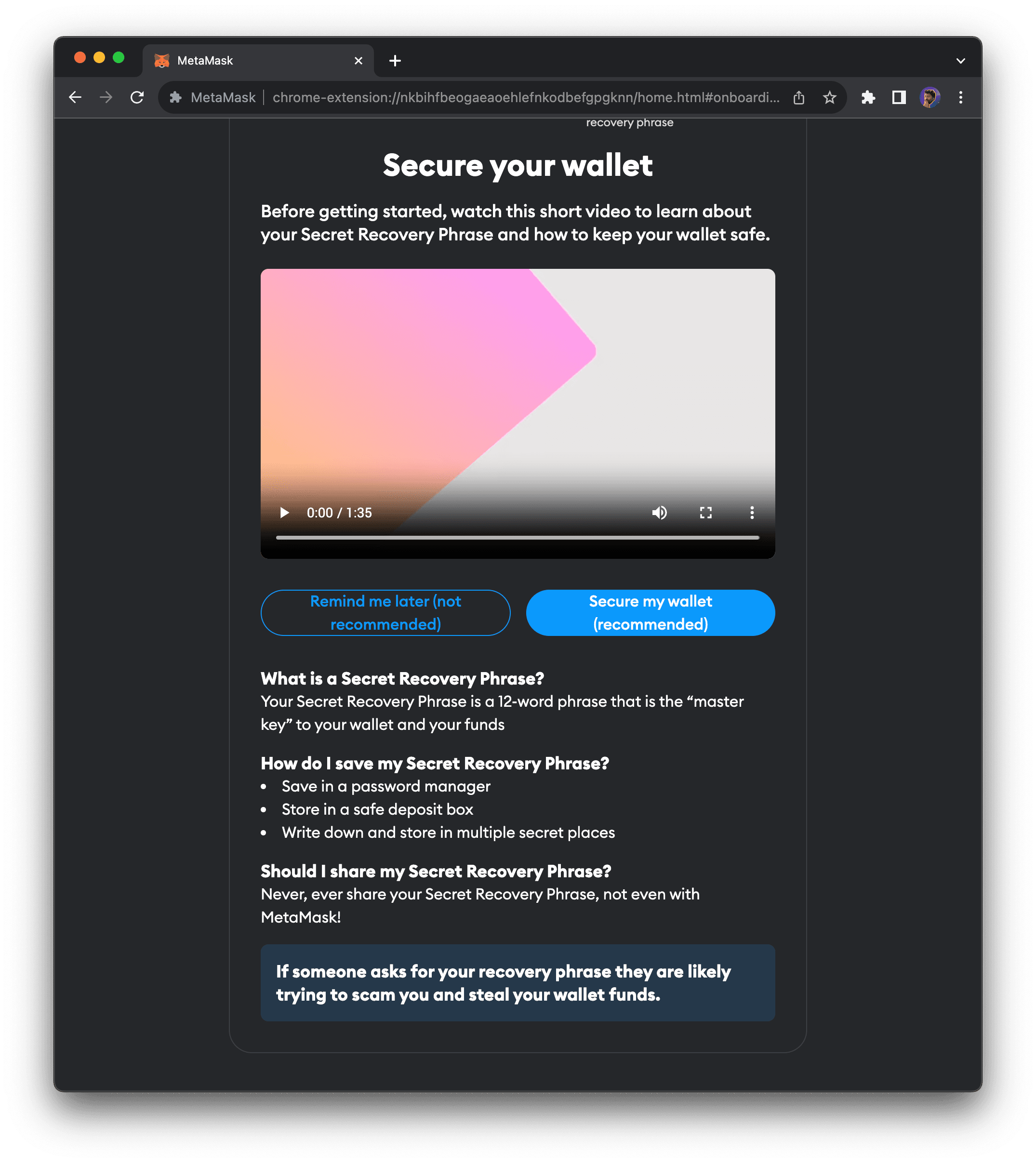
Add Berachain Network Manually
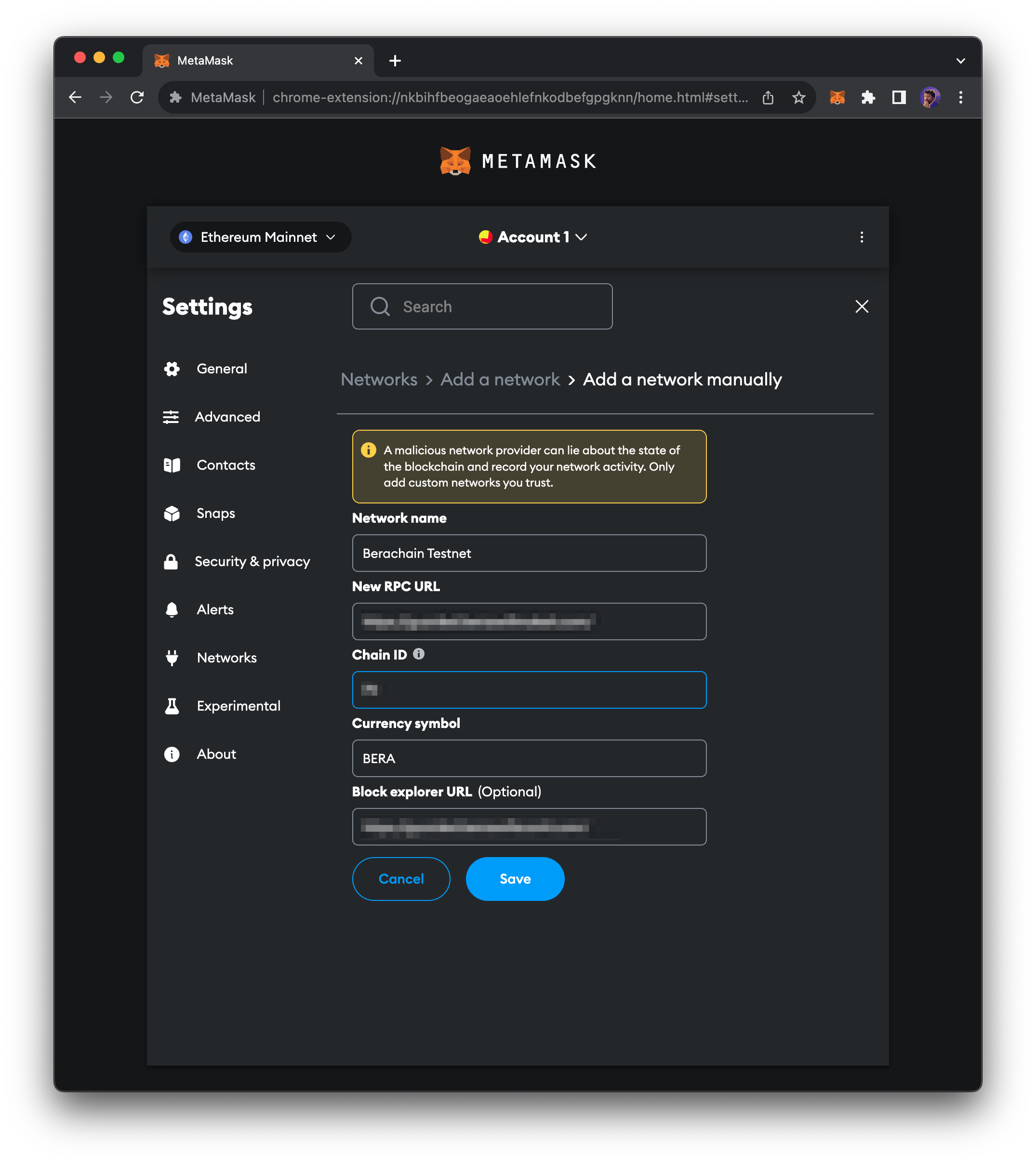
If you prefer not to use the one-click buttons above, add the network in MetaMask manually:- Open the network list — Click the drop-down in the top-left of MetaMask.
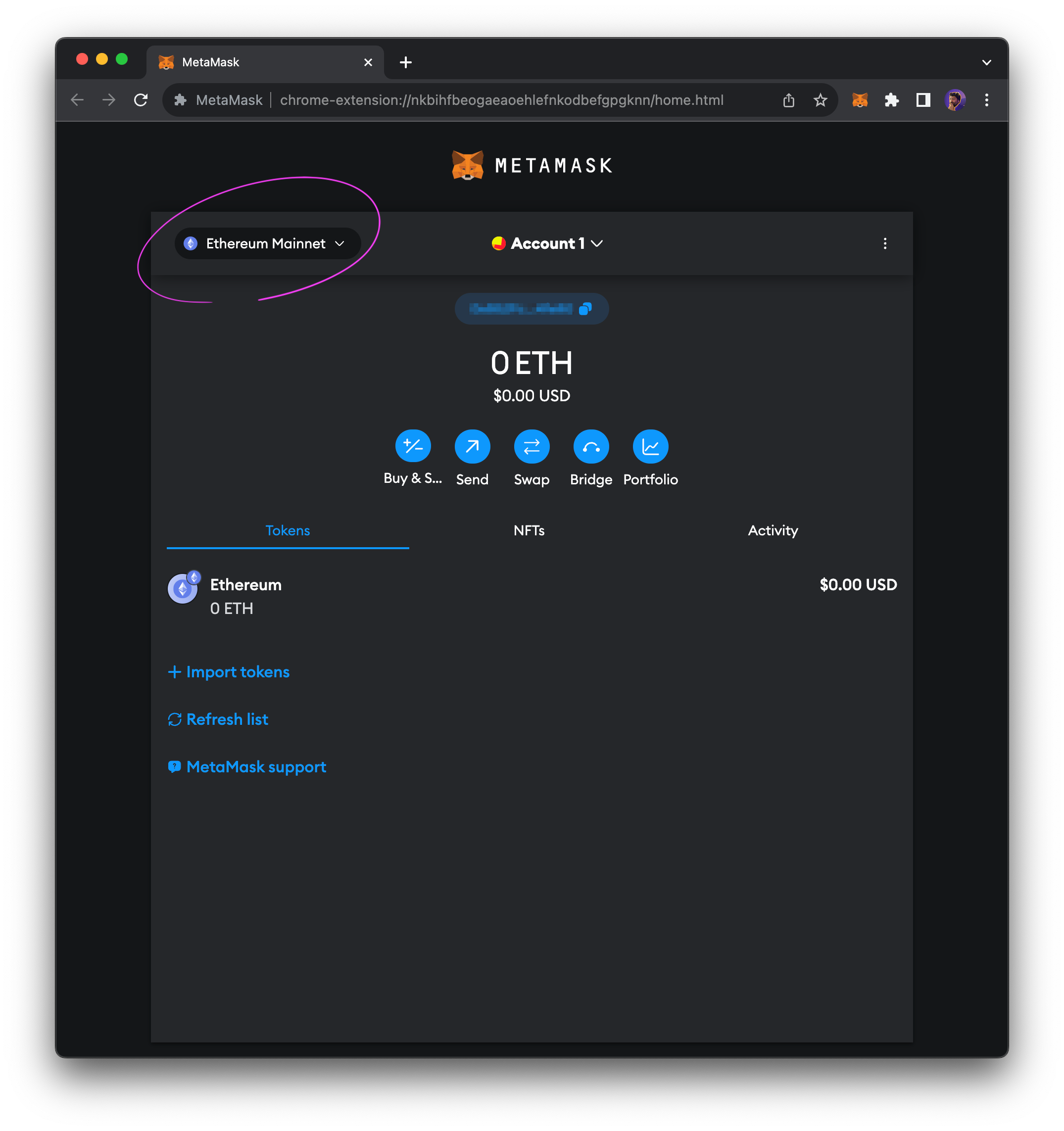
- Add network — Click
Add networkin the modal.
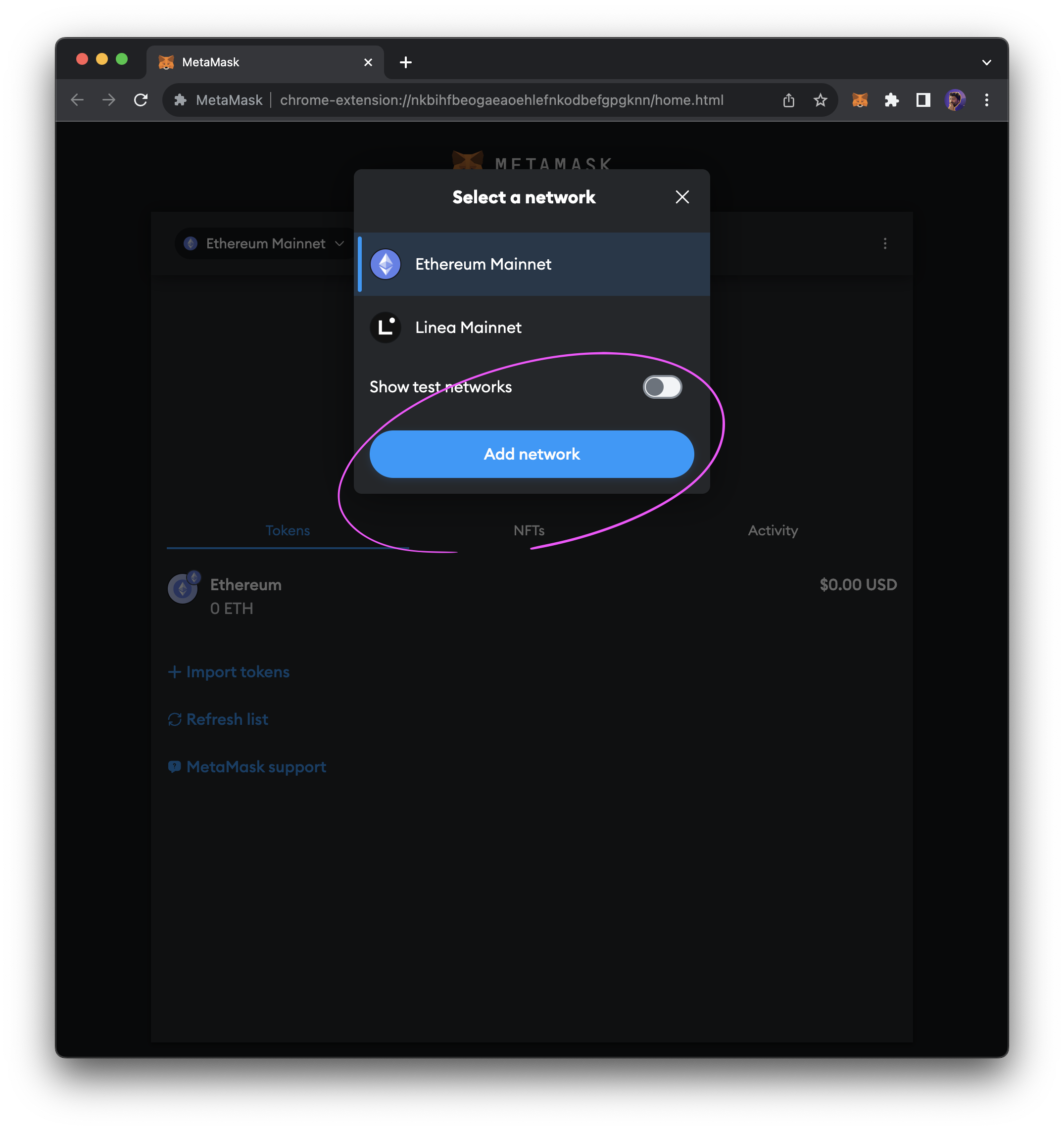
- Add network manually — At the bottom of the list, click
Add network manually.
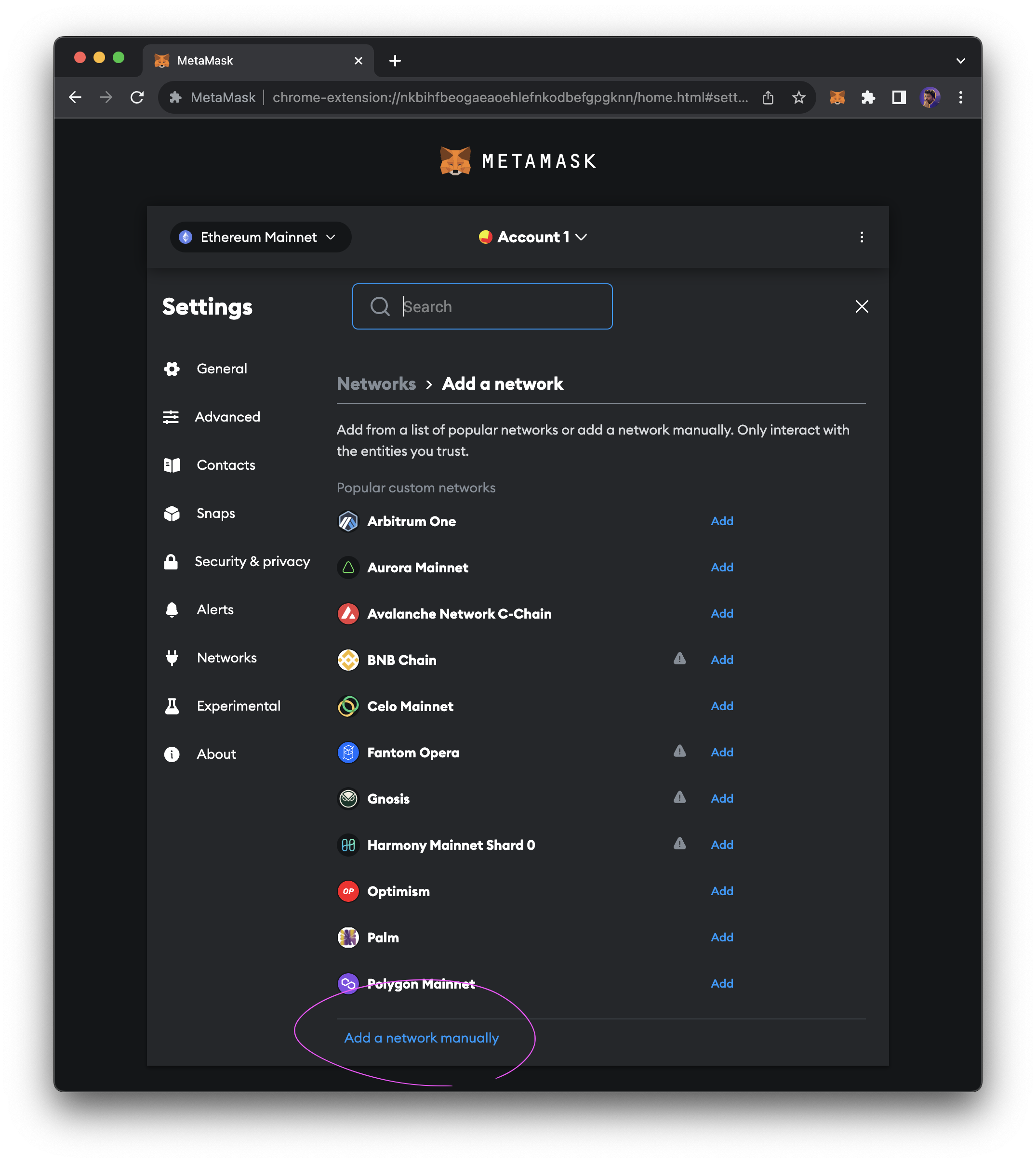
- Enter details — Use the values from the Mainnet or Bepolia Testnet RPC tables above.
-
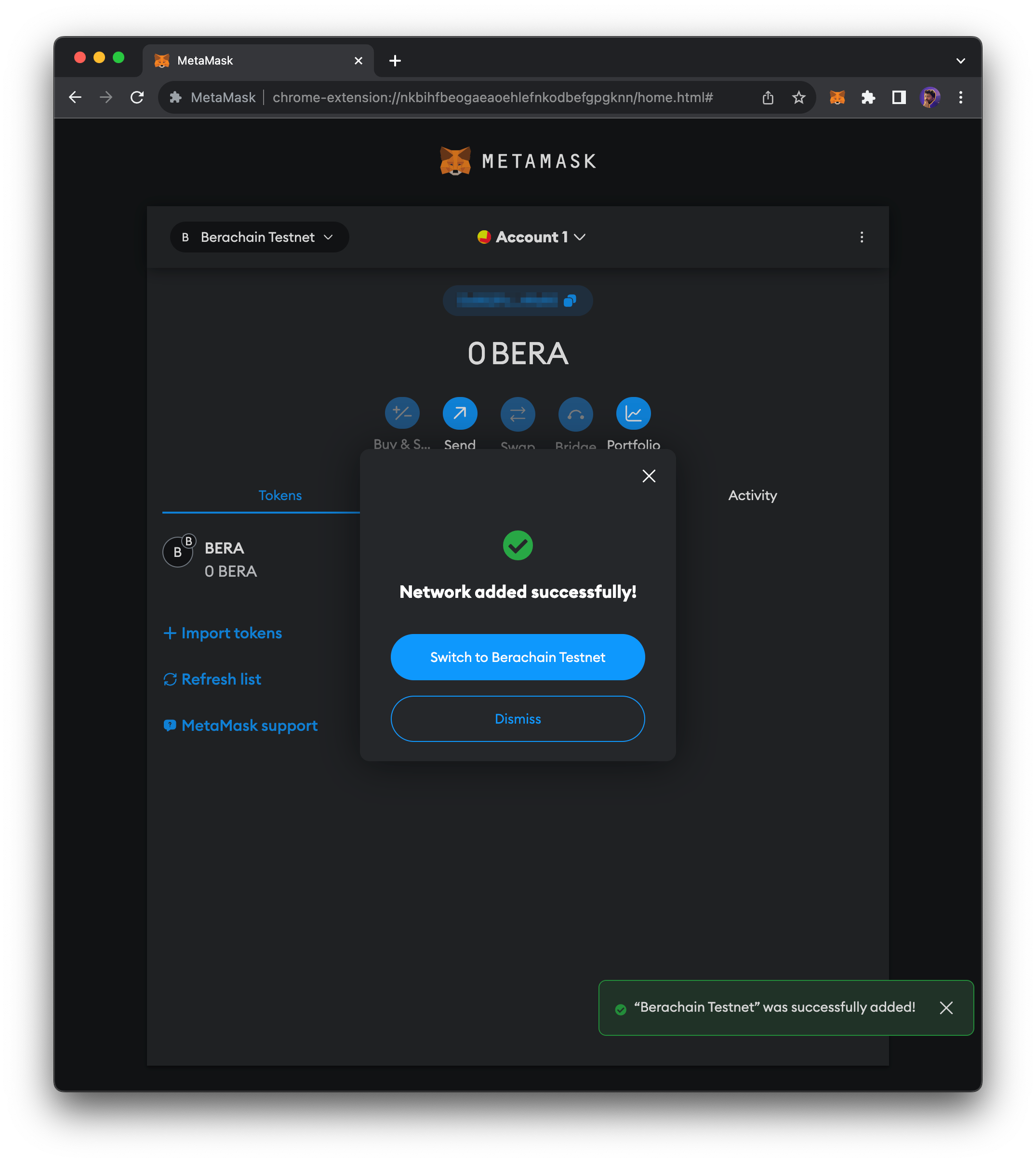
Save — Click
Save.